Chat2API is a cross-platform desktop application that transforms AI chat interfaces into OpenAI-compatible APIs. Built with Electron, React, and TypeScript for best experience.
Quick Start
Get up and running in minutes
Install and launch the app
Configure providers and start proxy
Start integrating with your apps
Simple Integration
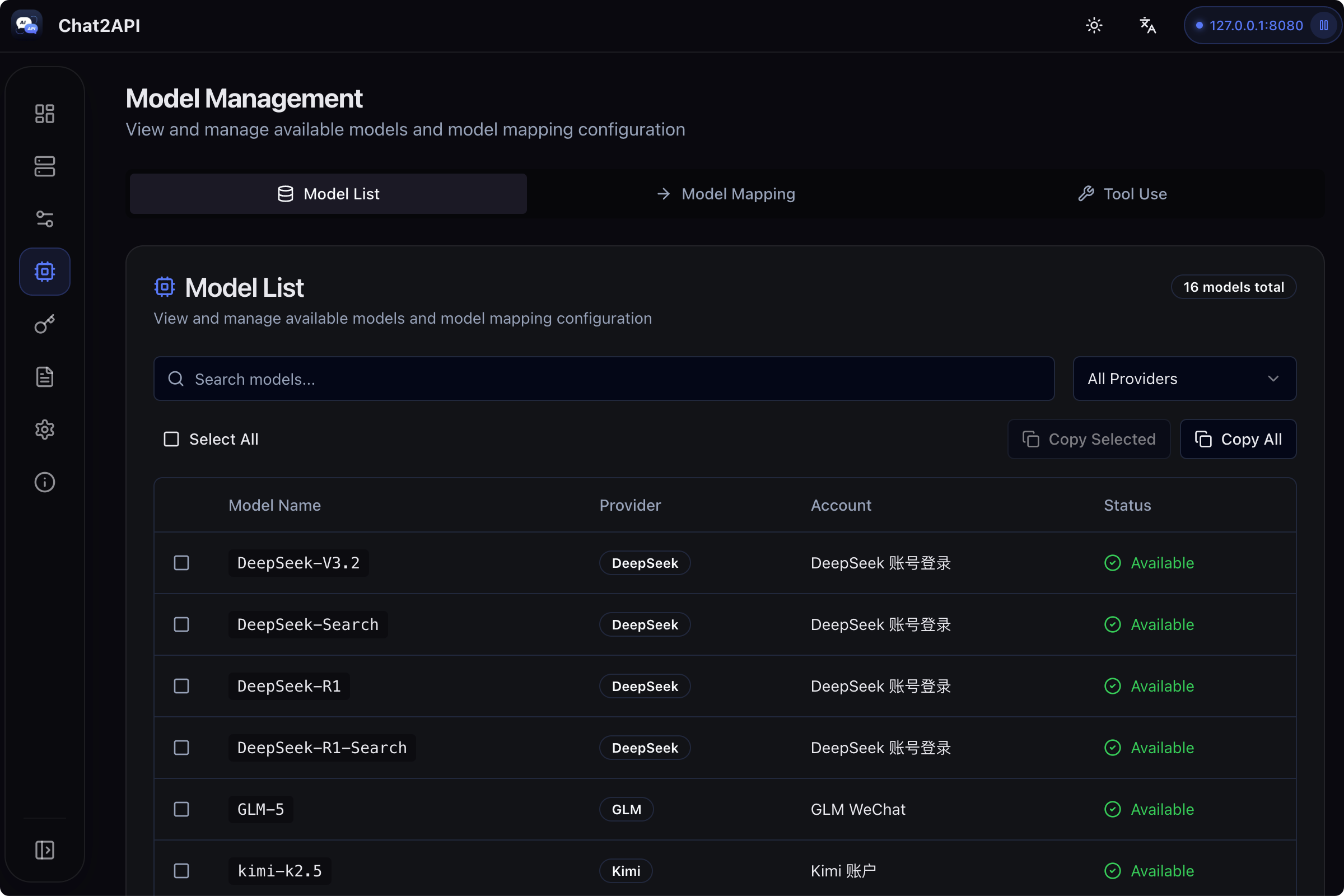
Add a provider in your client tool, select OpenAI or OpenAI Compatible as type, add BaseURL and API Key, then add model names from the model list

GitHub Copilot
VS Code extension

RooCode
AI coding assistant

Cline
Autonomous coding agent

Cherry Studio
Desktop AI client
More clients are being adapted...
from openai import OpenAI

client = OpenAI(
    api_key="your-api-key",
    base_url="http://localhost:8080/v1"
)

response = client.chat.completions.create(
    model="DeepSeek-V3.2",
    messages=[
        {"role": "user", "content": "Hello, who are you?"}
    ]
)

print(response.choices[0].message.content)
Supported Providers
Connect to multiple AI services with a single unified API





Features
Everything you need to manage AI services in one place
OpenAI Compatible
Standard OpenAI-compatible API endpoints for seamless integration with existing tools
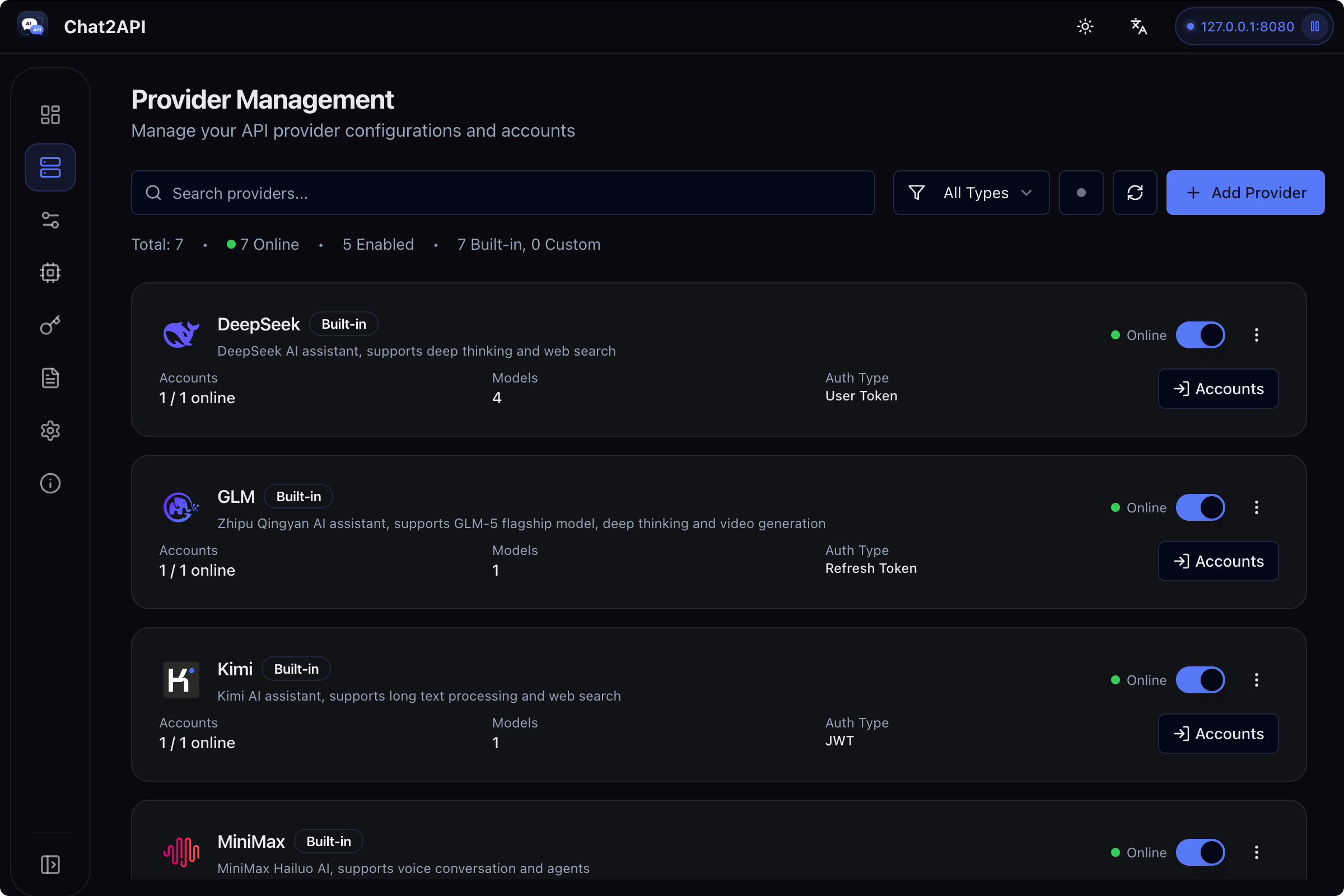
Multi-Provider Support
Support DeepSeek, GLM, Kimi, MiniMax, Qwen, Z.ai and more AI services
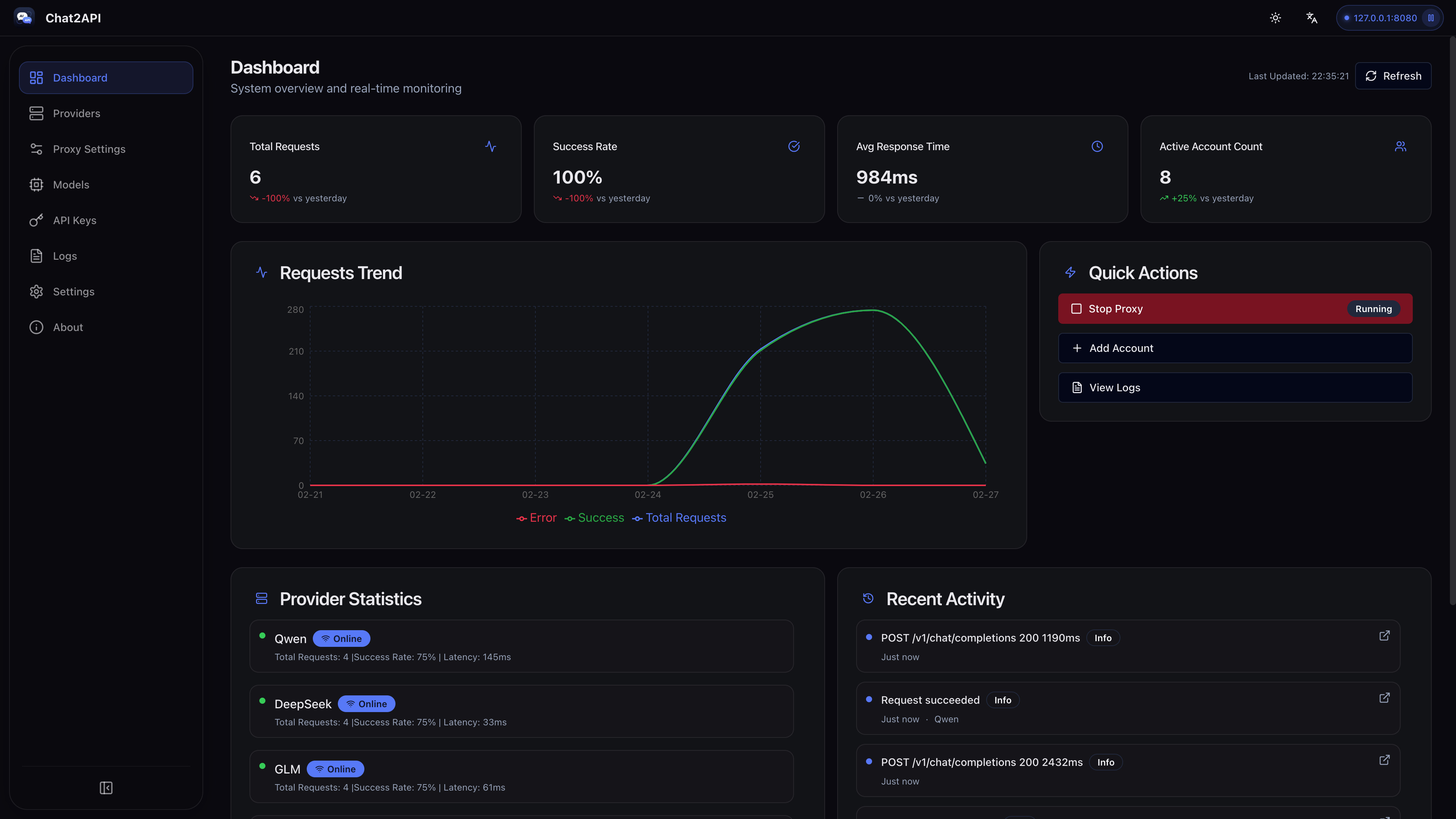
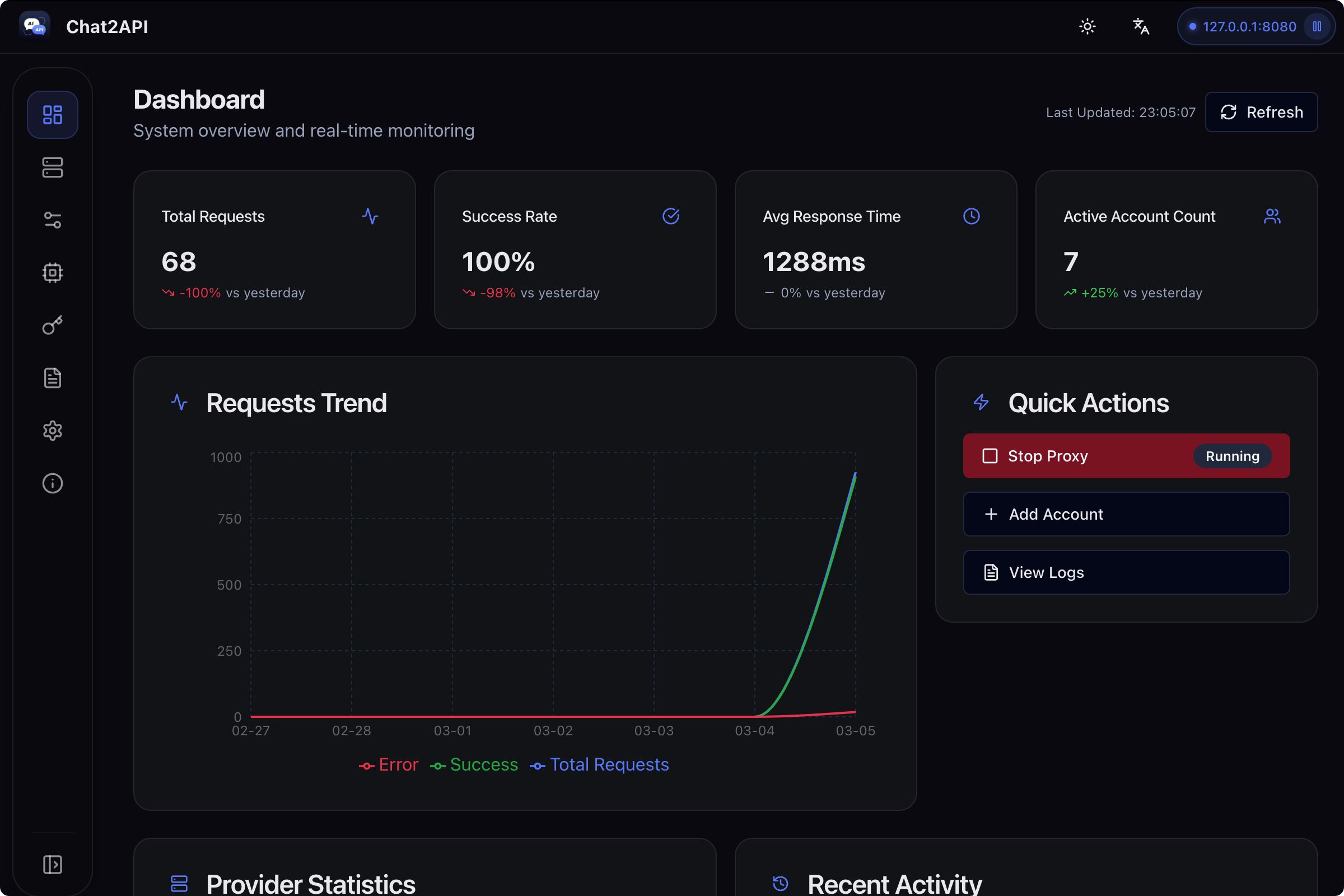
Dashboard Monitoring
Real-time request traffic, token usage, and success rate statistics
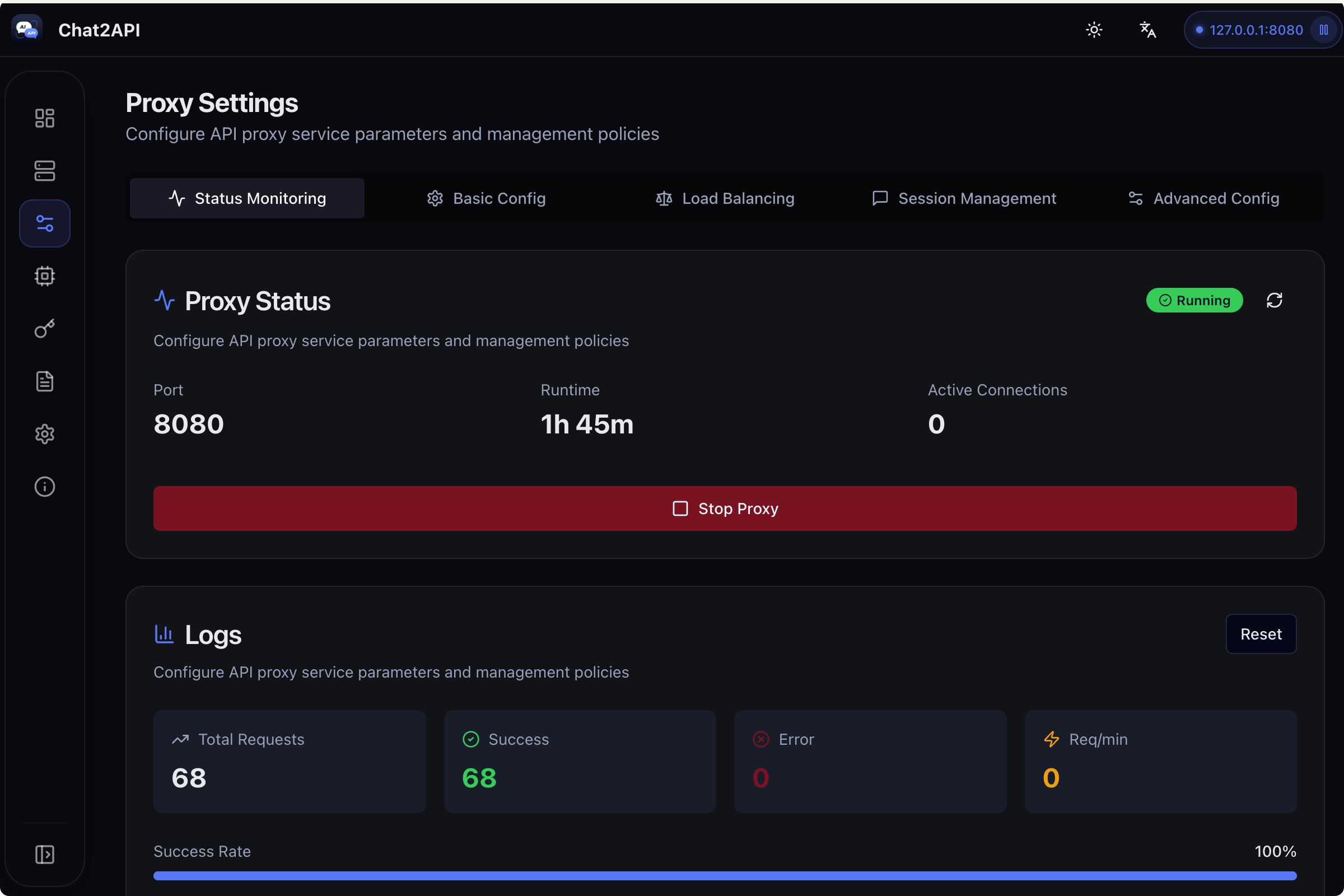
Proxy Configuration
Flexible proxy settings and load balancing strategies
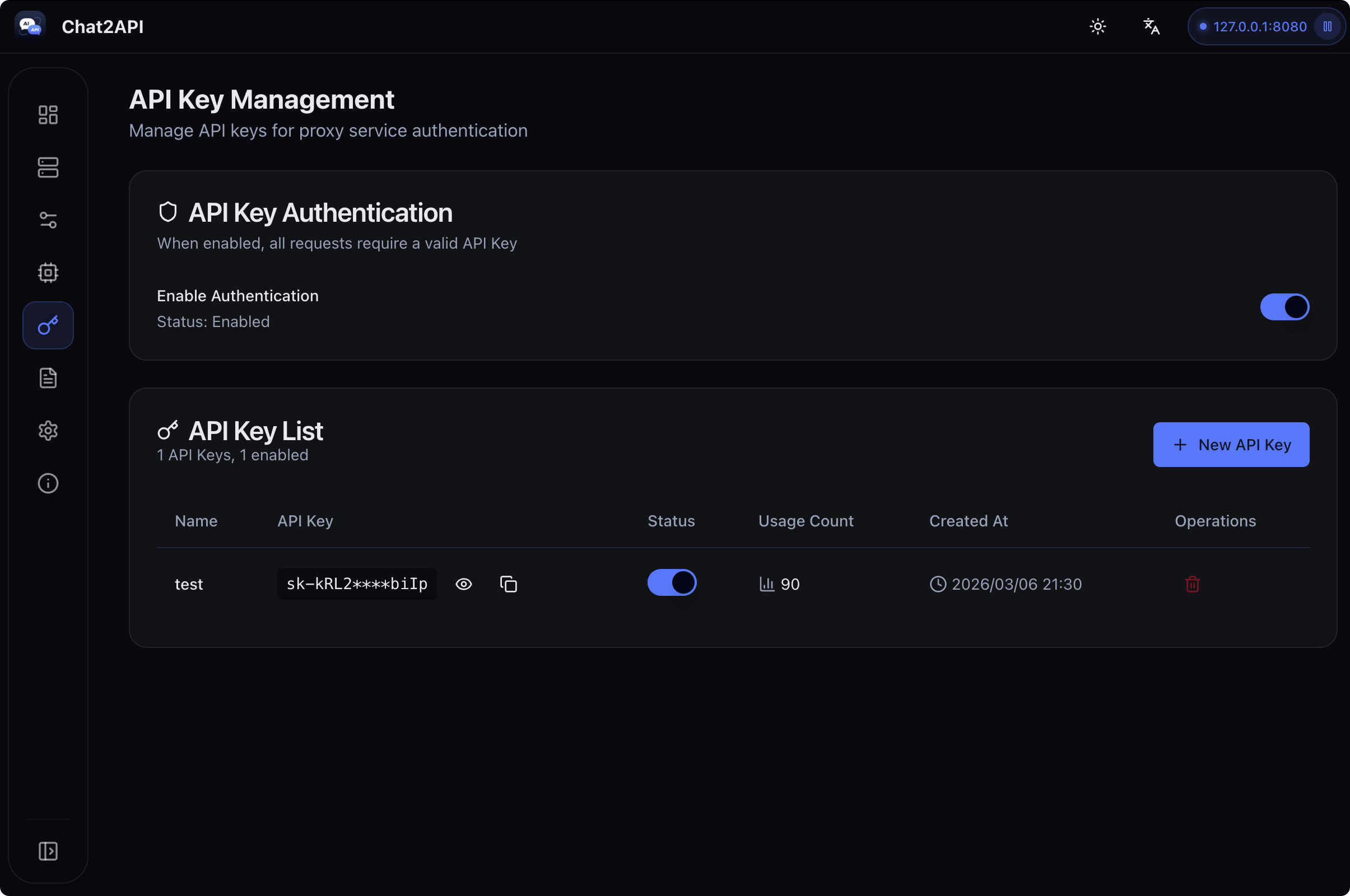
API Key Management
Generate and manage API keys for secure access control
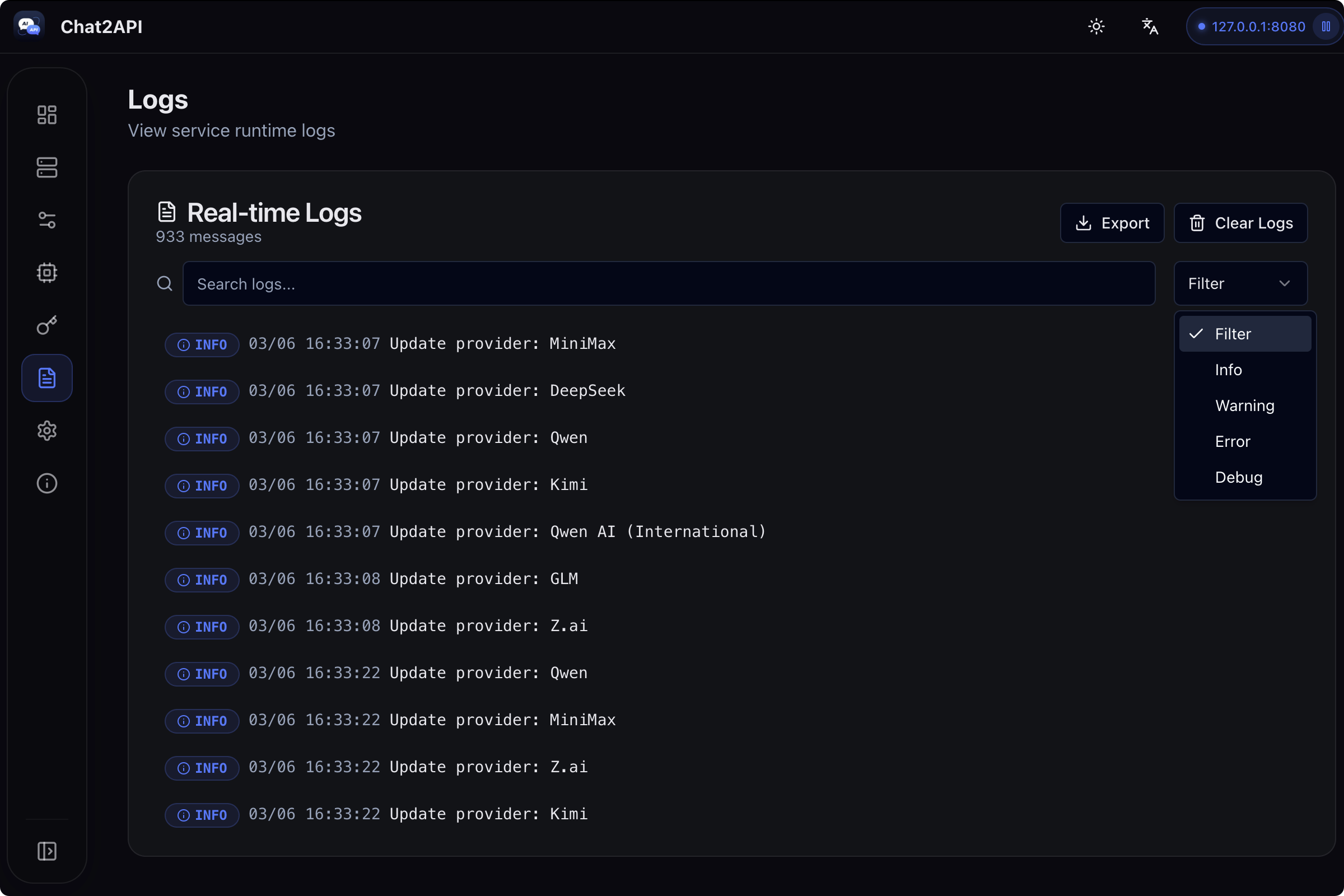
Request Logging
Detailed request logs for debugging and analysis
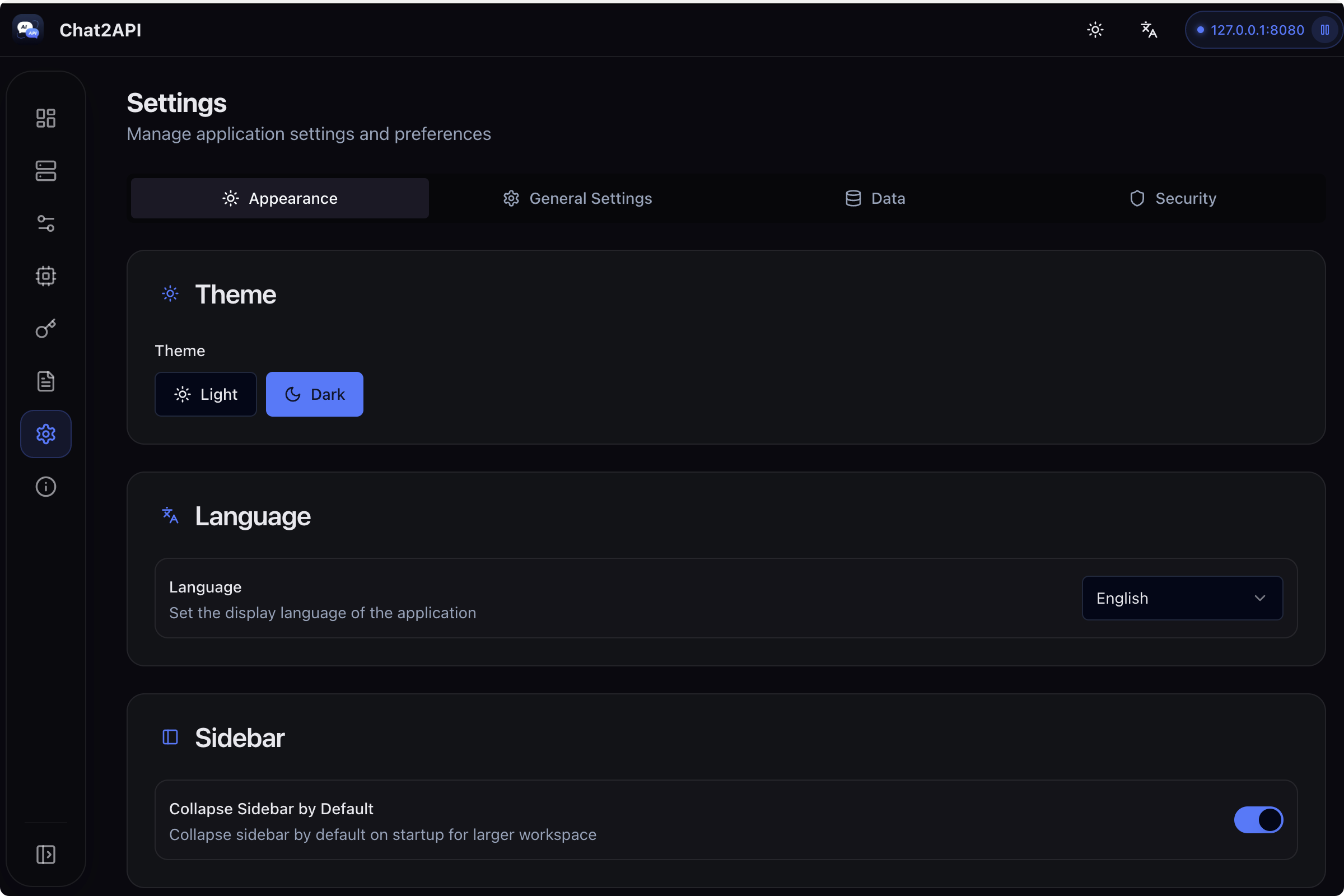
App Preview
See Chat2API in action
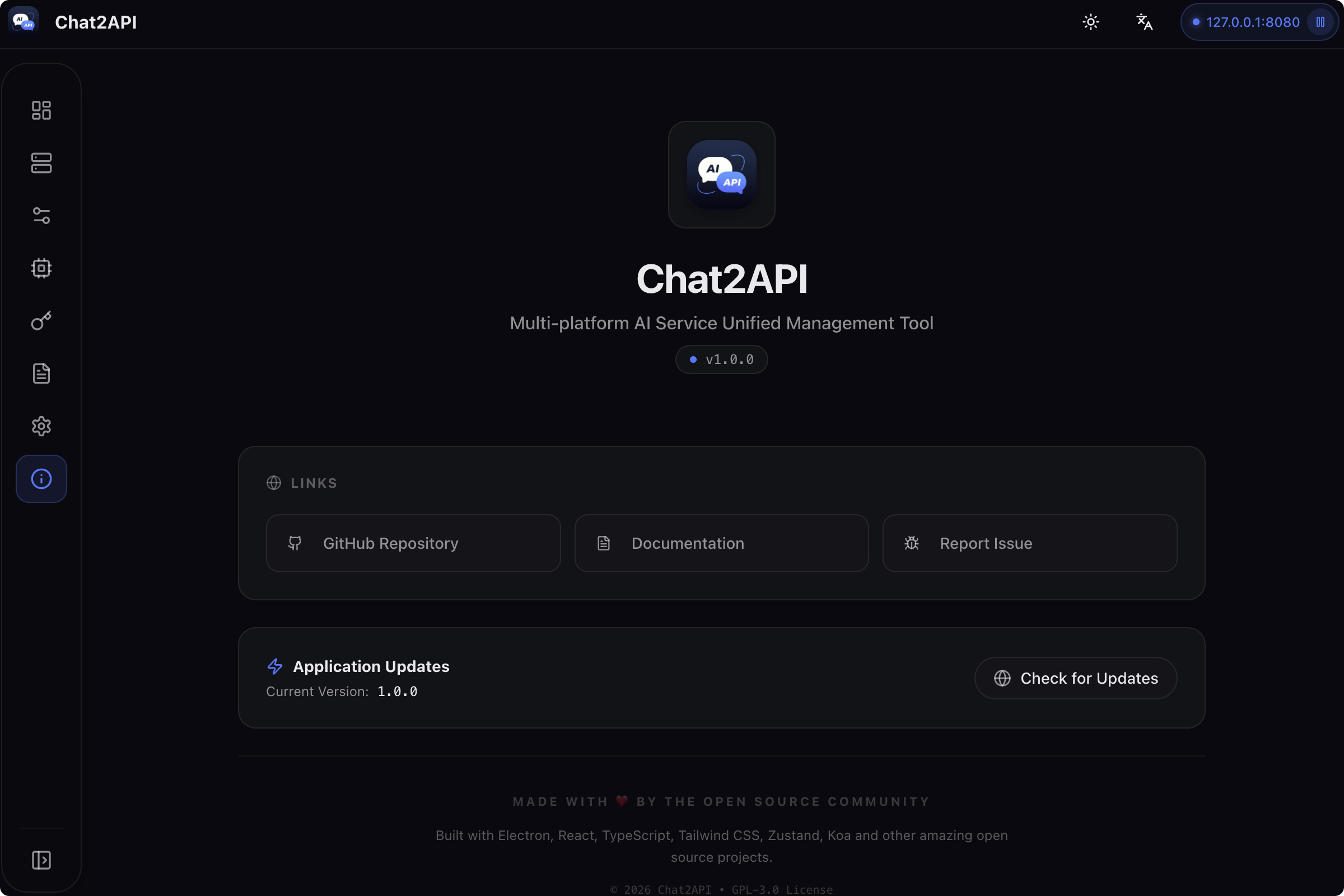
Built with Modern Tech
Powered by Electron, React, and TypeScript for the best experience
Electron
Cross-platform desktop framework
React + TypeScript
Modern UI with type safety
Koa Proxy
Lightweight HTTP proxy server
Local Storage
Encrypted local data persistence
Secure
Credentials encrypted with AES-256
Fast
Native performance with Electron
FAQ
Common questions about Chat2API